How I Make AI Videos Using Veo3 (My Full Workflow)
I’ve been making AI videos for a while now, and honestly — Veo3 changed everything. The quality is cinematic, the image-to-video is insanely consistent, and once you nail the workflow, it’s almost addictive. Here’s my exact process, start to finish.
The Tools I Use
| Tool | What I Use It For |
|---|---|
| ChatGPT / Claude | Building my project context and generating prompts |
| Google Flow (Nano Banana Pro) | Generating images and videos |
| Veo3 inside Flow | Animating my images into videos |
| Google AI Ultra / Pro | Subscription to access Veo3 |
Subscription Options
Before anything, you need access to Veo3. Here’s what’s available:
| Plan | Price | What You Get |
|---|---|---|
| Google AI Plus | $7.99/month | Veo 3.1 Fast, limited credits |
| Google AI Pro | $19.99/month | 1,000 credits/month, Veo 3.1 Fast + Flow access |
| Google AI Ultra | $249.99/month | 25,000 credits/month, full Veo 3.1, 4K, priority |
| Free Tier | Free | ~100 credits/month (varies by region) |
| Student Plan | Free (until end of 2026) | US/UK/Canada/Brazil/Japan/Indonesia students |
💡 My recommendation: Start with Google AI Pro at $19.99/month — it gives you real access to Flow and enough credits to experiment. If you’re serious about volume, the Ultra plan at $249.99 is the only one that unlocks the full Veo 3.1 at 4K with 25,000 credits. New subscribers can sometimes get a free 1-month trial of Pro, so check the Google One page before paying.
My Workflow
Step 1 — Build a Project in ChatGPT or Claude
I don’t just jump into prompting blind. I first create a Project in either ChatGPT or Claude and seed it with:
- The niche or theme I’m creating content for (e.g., cinematic nature, dark fantasy, futuristic cities)
- Keywords I want the AI to work with (lighting style, mood, subject matter, colour palette)
- 3–5 reference prompts I’ve liked in the past or found online
This gives the AI context so when I ask it to write new prompts, it stays on-brand and consistent. Think of it as briefing a creative director before a shoot.
Example project seed I give Claude or ChatGPT:
1
2
3
4
5
6
7
Theme: Solarpunk future cities — lush greenery growing over glass towers,
golden hour light, humans and nature coexisting.

Style keywords: cinematic wide shots, shallow depth of field,
warm tones, hyper-detailed foliage, photorealistic.

Generate image and video prompts in this style.
Step 2 — Ask the AI to Generate Prompts
Once the project is set up, I ask Claude or ChatGPT to write me:
- An image prompt (for Nano Banana Pro inside Google Flow)
- A video prompt (for Veo3 to animate that image)
I give the AI creative liberty here — I find the results are better when I don’t over-constrain it. If I don’t love what it produces, I just ask for variations.
Example image prompt it might generate:
1
2
3
4
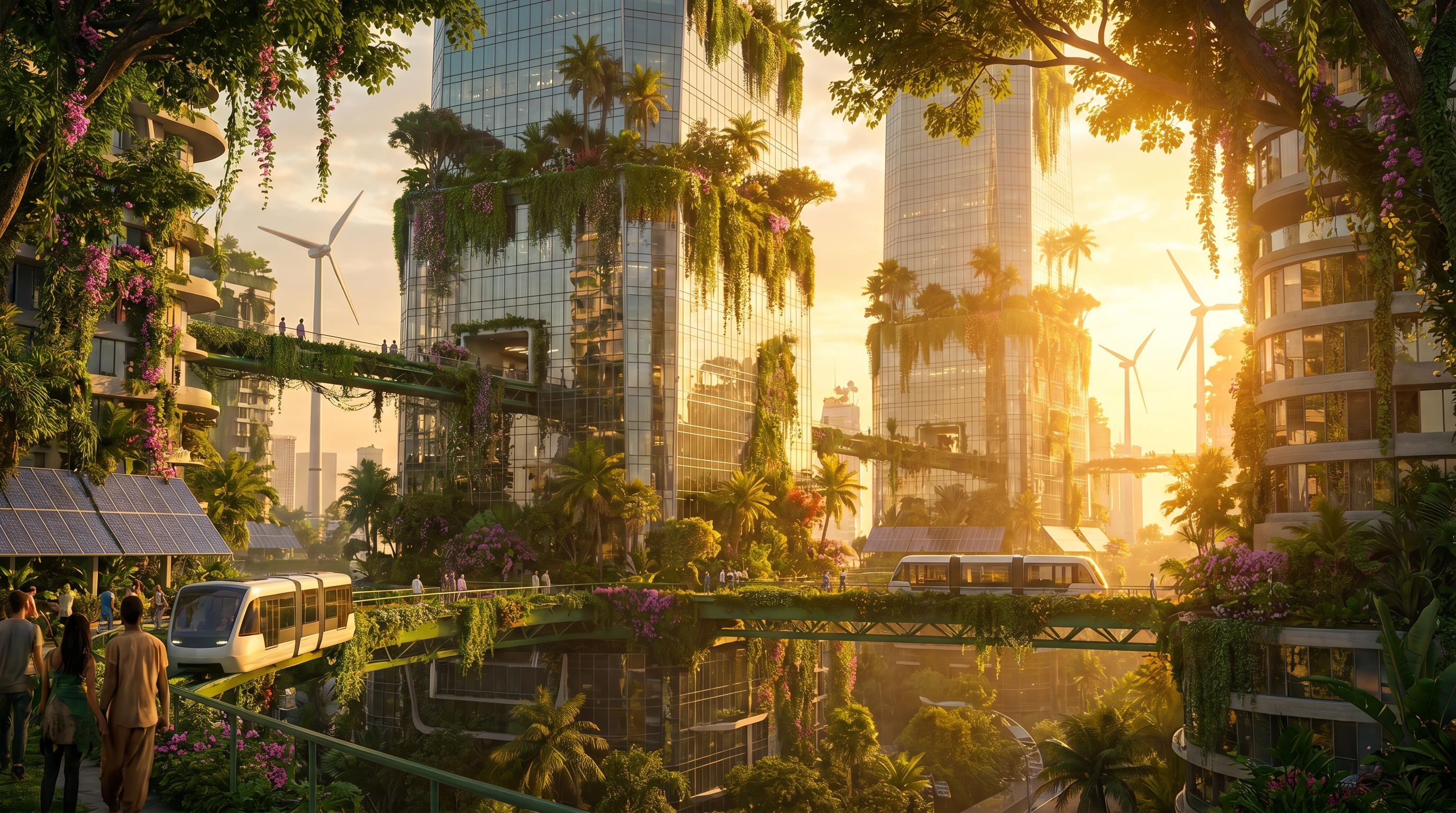
A solarpunk cityscape at golden hour. Massive glass skyscrapers draped
in hanging gardens and flowering vines. People walking on elevated
green bridges. Warm amber sunlight filtering through tropical canopy.
Ultra-detailed, photorealistic, 8K.
Example video prompt for Veo3:
1
2
3
4
Camera slowly pushes forward through the hanging gardens of a solarpunk
city at dusk. Leaves rustle gently in the breeze. Distant birds fly
between towers. Soft natural ambient sound. Cinematic, smooth motion,
golden hour lighting.
Step 3 — Generate the Image in Nano Banana Pro
I head to Google Flow → labs.google/fx/tools/flow and open the Nano Banana Pro image model.
I paste in my image prompt and generate. I usually run 2–3 variations and pick the one with the best composition and lighting for animation.
🎨 Tip: Pick images with clear depth — a foreground subject, midground detail, and background. These animate the best with Veo3 because the AI has layers to work with.
Step 4 — Animate It with Veo3 (Image to Video)
This is where the magic happens. I take the image I just generated and feed it into Veo3 inside Flow as the starting frame, then paste in my video prompt.
Veo3 uses the image as a visual anchor and the prompt to direct motion, camera movement, lighting change, and audio. The result is a video that looks like your image came to life — not some random AI hallucination.
Each generation produces an 8-second clip. I usually generate 2–3 takes of the same prompt and pick the best one.
Prompt Formula That Works For Me
Here’s the rough structure I follow for video prompts:
1
[Camera movement] + [Subject/scene] + [Motion detail] + [Lighting/mood] + [Audio/sound] + [Style]
Example:
1
2
3
4
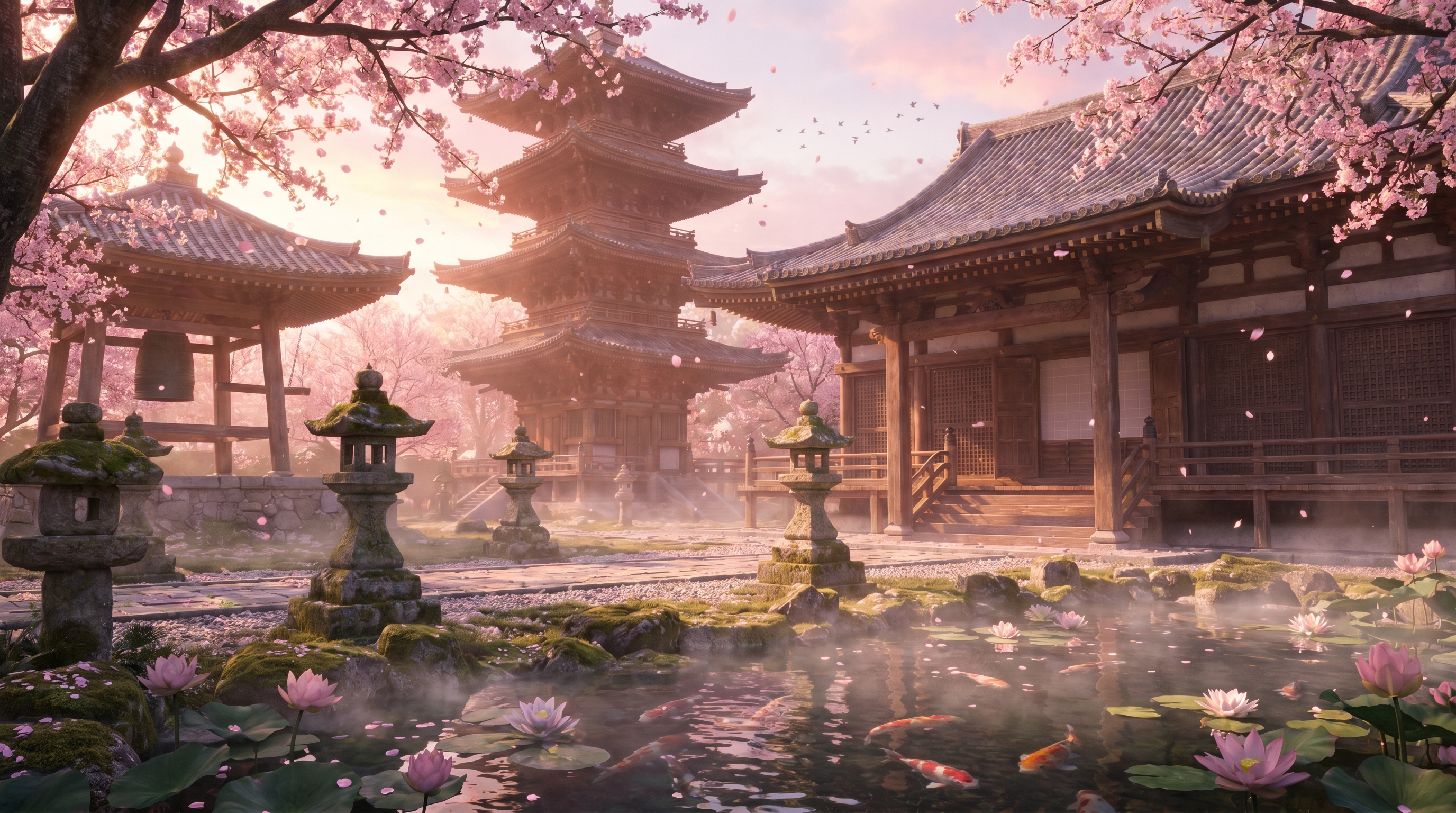
Slow cinematic dolly shot through an ancient Japanese temple at dawn.
Cherry blossoms fall gently in the wind. Soft morning mist rises from
a koi pond. Warm pink and gold light. Distant temple bells and birdsong.
Photorealistic, IMAX quality.
Tips
- Keep your image and video prompts consistent — if your image is warm-toned golden hour, don’t prompt Veo3 for a cold blue moonlit scene. Conflicting styles cause weird results.
- Use Claude or ChatGPT Projects so your prompt style stays consistent across sessions — the AI remembers your tone and keywords without you re-explaining every time.
- Generate the image first, always — never skip straight to text-to-video. Image-to-video gives you far more control over the look and consistency of the output.
- Nano Banana Pro is the sweet spot for image generation inside Flow — it gives you photorealistic detail without over-smoothing faces and textures the way some other models do.
- 8 seconds is your canvas — plan your prompts around what can happen in 8 seconds. One smooth camera move + one subtle action = perfect. Don’t try to cram a whole scene.
- Credits go fast — on the Pro plan, treat each generation like a shot on a film set. Have your prompt ready before you hit generate.
- Veo 3.1 Fast vs Standard — use Fast for drafts and experimentation, switch to Standard for your final hero clip. This stretches your credits significantly.
Full Workflow at a Glance
| Step | Tool | What Happens |
|---|---|---|
| 1 | Claude / ChatGPT | Build project with keywords + style references |
| 2 | Claude / ChatGPT | Generate image prompt + video prompt |
| 3 | Nano Banana Pro (Google Flow) | Generate the base image |
| 4 | Veo3 (Google Flow) | Animate image using video prompt |
| 5 | Flow editor | Trim, refine, export |
Time & Cost
| Time per video (end-to-end) | 1–2 minutes |
| Credits per 8-sec clip | 20 credits |
| Videos per month on Pro plan | ~50 clips (1,000 credits) |
| Videos per month on Ultra plan | ~1,250 clips (25,000 credits) |
| Subscription I recommend | Google AI Pro ($19.99/mo) to start |